
Planning/Livestream your wedding
For family who can’t travelEveryone you love, in the front row
Grandparents who can’t fly, family on the other side of the world: couples asked us about livestreams every month this year. Here is how to do it well.
- For a small groupZoom
- For a big audienceYouTube Live
- Most importantClear sound
- Who runs itNot a guest
A livestream is only as good as its sound and the person running it. Get those two right and the rest is easy.
A phone on a tripod can carry your vows to a grandmother in another country. It can also freeze, point at the wrong person or lose the sound just as you say “I do.” The difference is planning.
These are the tips we gave couples this year, whether they asked us to add a livestream to their coverage or set it up with family.
Choose the platform
| Zoom | YouTube Live | |
|---|---|---|
| Best for | A small, private group who want to see each other | A larger audience, or relatives without a Zoom account |
| Viewers need | The meeting link | Just the link, no account |
| Talking back | Two-way, after the ceremony | Comments only |
| Recording | Saved to the host’s account | Saved to the channel |
One family chose YouTube because older relatives abroad didn’t use Zoom. Another kept it on Zoom so the grandparents could wave to the couple after the vows.
Camera, sound and signal
Use a dedicated camera
A separate, fixed camera, not your photographer’s or filmmaker’s. Frame both of you and the officiant.
Get the sound right
Sound matters more than picture. Take audio from the officiant’s microphone or the DJ’s mixer, and test it.
Test the internet
Check the venue Wi-Fi at the same time of day, or bring a mobile hotspot. Remote venues may need satellite internet.
Mute the room
Keep remote guests muted during the ceremony, then open two-way sound on a tablet afterwards so they can congratulate you.
Send the link early
Share the link and the start time in each guest’s own time zone a week before, and again that morning.
Record it
Keep a recording in case the connection drops. It becomes a keepsake.
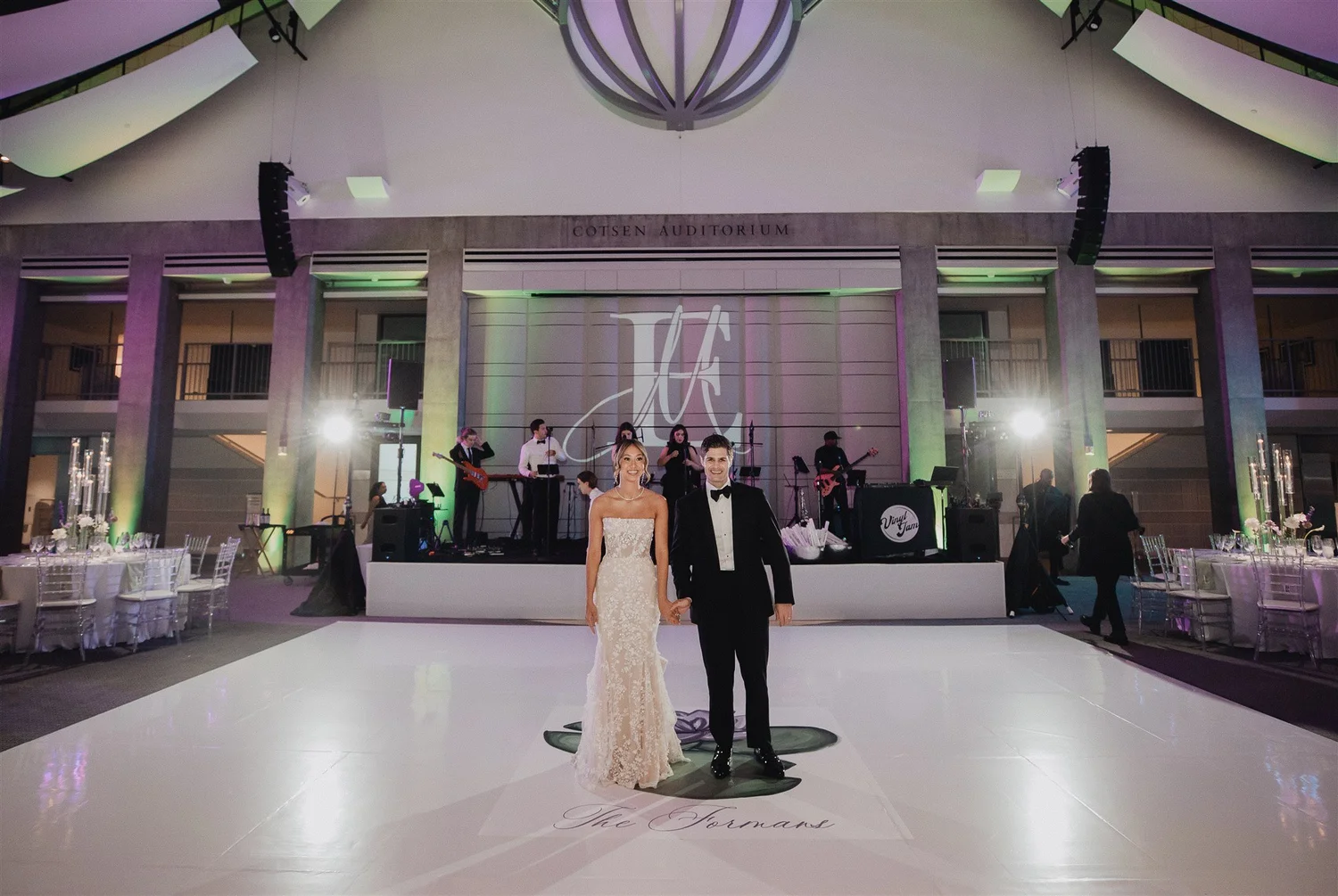
On the big screen, at the venue
Some couples also show the stream, a slideshow or a same-day edit on a screen at the reception.
- Walk the room with your venue to place the projector where it won’t sit over guests’ heads.
- Use a flat white screen. Drapes look moody but blur the picture.
- Test with the DJ’s sound before guests arrive.
Who should run it
Do
- Give it to one tech-confident person who isn’t in the wedding party, or add it to your coverage.
- Share the timeline so they know when the ceremony really starts.
- Keep a charged backup phone and a spare cable.
- Point the camera at your faces, not your backs.
Don’t
- Ask a guest to hold up a phone in the aisle.
- Put the stream camera where it blocks the aisle or your photographers.
- Trust venue Wi-Fi without testing it.
- Forget the time difference.
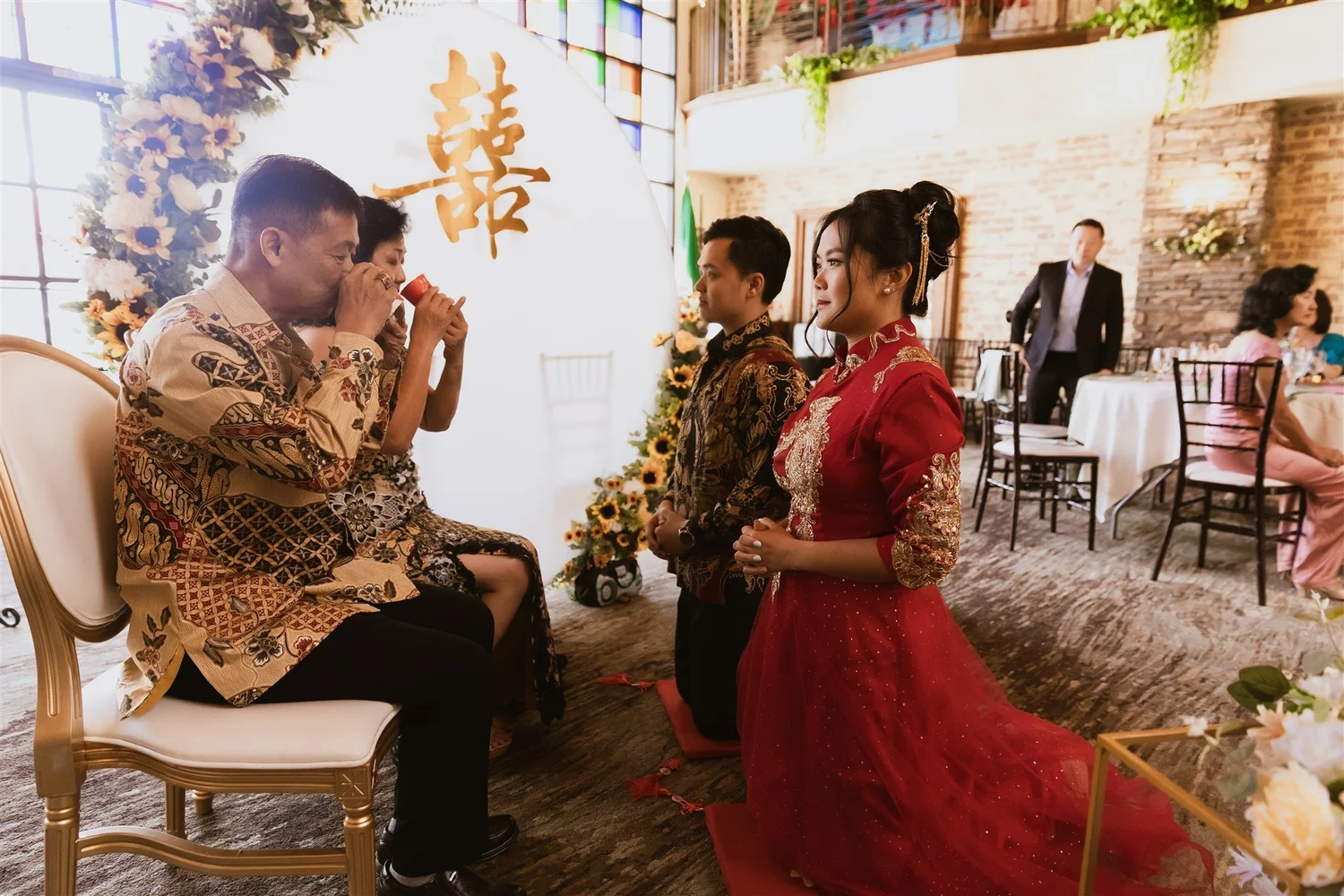
Point the stream camera at your faces. Grandparents watching from far away want to see you say the words, and so will you, years from now.
Lulan Studio · wedding photographers & filmmakers
Livestreams, answered
How do you livestream a wedding?
Use a dedicated camera on a tripod, take sound from the officiant’s or DJ’s microphone, test the internet in advance, and stream to Zoom for a small group or YouTube Live for a larger one.
Should we use Zoom or YouTube for our wedding livestream?
Zoom suits a small private group who want to talk to you afterwards. YouTube Live suits a larger audience and relatives who don’t have a Zoom account.
Can our videographer run the livestream?
It is better to give the stream its own camera and its own person, so your film and your stream don’t compete for the same angle.
What if the venue has no Wi-Fi?
Bring a mobile hotspot and test it, or arrange satellite internet for a remote venue. Always record locally as well.
Want family there from afar?
Tell us who will be watching and from where. We will help you plan the camera, the sound and the timing.